%20--%3e%3csvg%20version='1.0'%20id='Layer_1'%20xmlns='http://www.w3.org/2000/svg'%20xmlns:xlink='http://www.w3.org/1999/xlink'%20x='0px'%20y='0px'%20viewBox='0%200%20755.52%20814.35'%20style='enable-background:new%200%200%20755.52%20814.35;'%20xml:space='preserve'%3e%3cstyle%20type='text/css'%3e%20.st0{fill:%231ae5ce;stroke:%231ae5ce;stroke-width:7;stroke-miterlimit:10;}%20.st1{fill:%23FFFFFF;stroke:%231ae5ce;stroke-width:7;stroke-miterlimit:10;}%20.st2{fill:%231ae5ce;stroke:%23FFFFFF;stroke-width:7;stroke-miterlimit:10;}%20.st3{fill:%23FFFFFF;stroke:%23FFFFFF;stroke-width:6;stroke-miterlimit:10;}%20%3c/style%3e%3cg%20id='Dark_Logo_00000159431215648494653180000015900878925932721032_'%3e%3cpath%20id='shield_00000152259091539869183100000001926543869452564382_'%20class='st0'%20d='M711.13,173.42%20c-3.37-49.07-38.92-44.9-75.96-52.18c-67.4-13.25-130.47-34.47-192.36-63.92c-22.48-10.7-41.88-25.74-65.05-26.28%20c-23.17,0.54-42.58,15.59-65.05,26.28c-61.89,29.45-124.95,50.68-192.36,63.92c-37.04,7.28-72.59,3.11-75.96,52.18%20c-1.55,22.6,0.34,46.4,1.05,68.92c5.99,190.78,52.91,345.39,206.27,466.46c29.71,23.46,74.51,55.8,108.84,70.75%20c5.99,2.61,11.7,3.73,17.21,3.75c5.51-0.02,11.22-1.14,17.21-3.75c34.33-14.95,79.12-47.3,108.84-70.75%20c153.37-121.07,200.28-275.68,206.27-466.46C710.79,219.82,712.68,196.02,711.13,173.42z'/%3e%3cpath%20id='magnifyingglass_00000073685934697636024790000000342567780940956808_'%20class='st1'%20d='M648.78,624.21l-96.64-104.65%20c34.89-40.63,55.98-93.46,55.98-151.21c0-128.27-103.98-232.24-232.24-232.24S143.63,240.08,143.63,368.35%20s103.98,232.24,232.24,232.24c48.87,0,94.21-15.11,131.62-40.89l97.18,105.24c11.25,12.18,30.24,12.93,42.42,1.69l0,0%20C659.27,655.38,660.03,636.39,648.78,624.21z'/%3e%3ccircle%20id='ellipse_00000129904010550392394720000017056154833629780114_'%20class='st2'%20cx='375.87'%20cy='368.35'%20r='181.21'/%3e%3cpath%20id='dollarsign_00000057140127156649725250000003772530148495155891_'%20class='st3'%20d='M362.91,492.03v-23.91%20c0-2.01-1.58-3.69-3.59-3.77c-18.49-0.78-37.12-5.4-49.4-11.83c-1.75-0.92-2.53-3.01-1.76-4.84l5.87-13.89%20c0.86-2.02,3.23-2.88,5.2-1.89c12.94,6.52,30.45,11.44,49.18,11.44c26.02,0,43.6-12.73,43.6-30.43c0-17.08-14.29-27.63-41.4-36.95%20c-37.37-12.42-60.46-26.7-60.46-53.72c0-24.97,20.29-44.11,52.22-49.51c1.8-0.31,3.11-1.89,3.11-3.72v-24.35%20c0-2.09,1.69-3.78,3.78-3.78h15.16c2.09,0,3.78,1.69,3.78,3.78v22.71c0,2.01,1.58,3.67,3.58,3.77c17.85,0.92,30.88,4.75,40.61,9.1%20c1.92,0.86,2.79,3.09,1.94,5.01l-6.08,13.6c-0.85,1.91-3.09,2.77-4.99,1.91c-8.37-3.8-22.38-8.95-42.75-8.95%20c-28.21,0-38.84,14.28-38.84,26.7c0,16.15,13.56,24.22,45.44,35.4c37.74,13.04,56.79,29.19,56.79,56.82%20c0,23.85-19.05,46.23-54.78,52.3c-1.8,0.31-3.11,1.89-3.11,3.72v25.28c0,2.09-1.69,3.78-3.78,3.78h-15.53%20C364.6,495.81,362.91,494.12,362.91,492.03z'/%3e%3c/g%3e%3c/svg%3e)
Online digital evaluation (patient portal consult) Evaluation Management
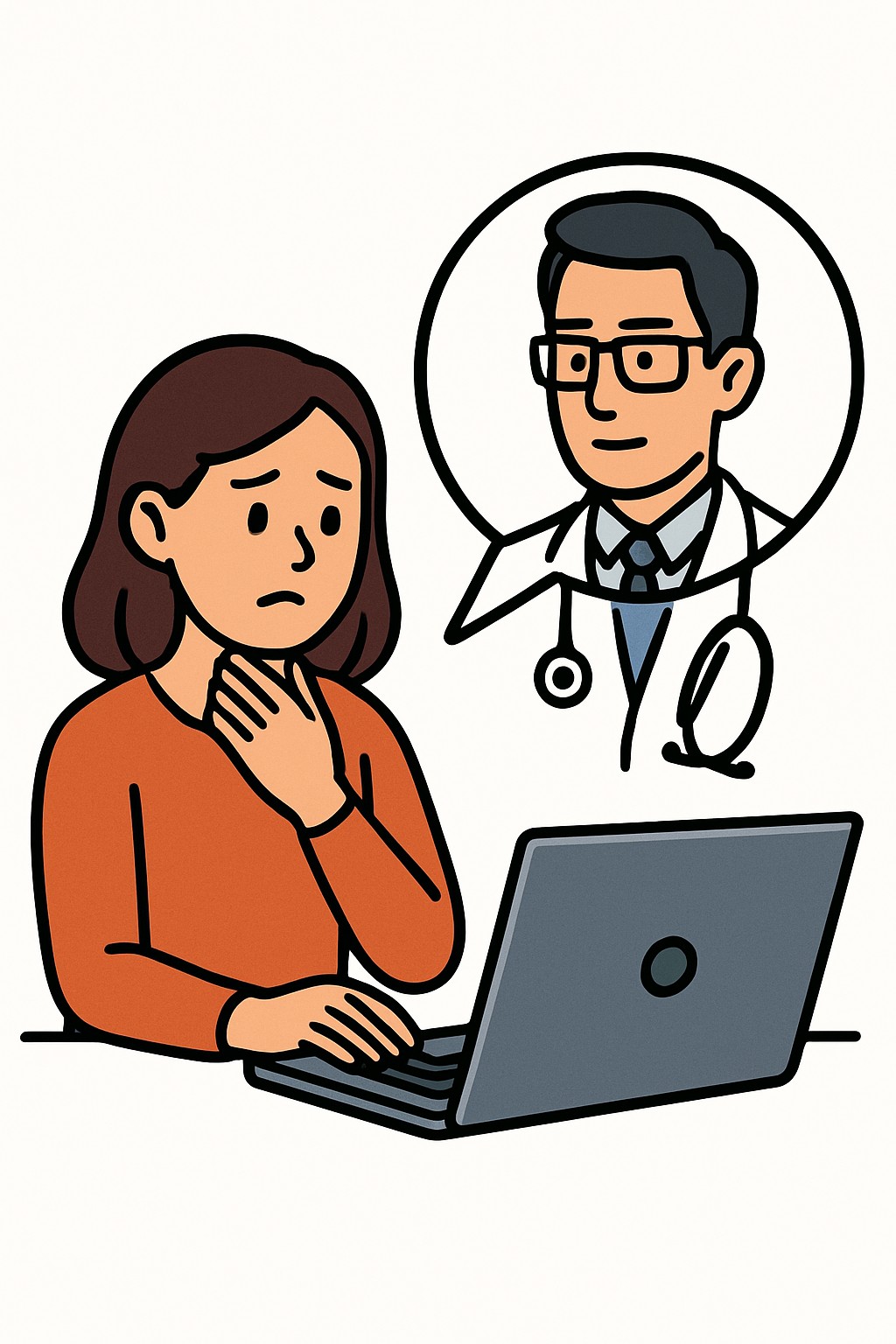
An online digital evaluation, often called an e-visit, is a secure message-based consult through a patient portal.
Overview
An online digital evaluation, often called an e-visit, is a secure message-based consult through a patient portal. You answer questions about your concern, share history and photos if requested, and send the information to your clinic. A clinician reviews your message and records, then replies with an assessment, guidance, and next steps. This format is used for nonurgent issues that may not need a live video or in-person exam.
Also known as: E-visit, Digital e-visit, Asynchronous portal visit, Online patient portal consult
Preparation & Next Steps
Everything you need to know before and after your procedure
Before Care
- Confirm your portal login works and update your contact information and notification settings
- Review your clinic’s stated response hours and typical turnaround times for e-visits
- Describe your concern clearly, including timing, location, severity, and your top questions
- List your current medicines and allergies; include doses and any recent changes
- Upload clear photos or files if requested (good lighting, in focus, note when taken)
- Complete all portal questionnaires fully to provide context
- Include your preferred pharmacy name, address, and phone number
- Provide recent home readings if relevant (e.g., blood pressure, glucose)
- Use a private device and secure internet connection to protect your information
After Care
- Watch for a portal alert when the clinician replies and read the full message
- Follow the care plan and instructions provided in the portal message
- Ask follow-up questions in the same message thread if anything is unclear
- If tests are ordered, note any scheduling steps or preparation instructions
- Pick up prescriptions if any were sent and confirm the pharmacy has them
- Track your symptoms and send an update if the clinic requests it
- Save copies of messages and attachments for your personal records
- Arrange any follow-up visit or referral that is suggested
- Contact your clinic about worsening or new severe symptoms
Clinical Information
Important medical details about this procedure
Indications
- Nonurgent symptoms that can be described in writing
- Questions about ongoing conditions
- Medication refill or side effect questions
- Review of test results and next steps
- Minor skin issues that can be photographed
- Birth control or preventive care questions
- Administrative needs that require clinical input (e.g., forms)
Alternatives
- Telehealth video visit
- Telephone visit
- In-person office visit
- Secure portal message without evaluation (nonclinical)
- Nurse advice line
- Urgent care for time-sensitive issues
Risks
- Miscommunication without a physical exam
- Delayed diagnosis if symptoms change after messaging
- Privacy or security concerns if using an unsecured device or network
- Potential out-of-pocket costs if billed as a clinical visit
- Technology barriers such as limited internet access
Contraindications
- Severe or life-threatening symptoms needing emergency care
- Rapidly worsening symptoms
- Issues that clearly require a physical exam or procedure
- Inability to access or use the patient portal securely
Recovery Timeline
What to expect during your recovery
There is no physical recovery period for an online digital evaluation. Most people continue normal activities right away.
Typical Range
Same day
Return to Work
Same day
Recovery Milestones
Submit the portal questionnaire and any requested photos or files
Review the clinician’s reply in the portal (timing varies by clinic)
Complete any labs, imaging, or referrals that were ordered
Send updates through the portal if your plan includes follow-up messaging
Frequently Asked Questions
Common questions and expert answers about this procedure
What is an online digital evaluation or e-visit?
What is an online digital evaluation or e-visit?
It is a secure, message-based consult through a patient portal. You submit information about a nonurgent issue, and a clinician reviews it and replies with guidance.
How is this different from a telehealth video visit?
How is this different from a telehealth video visit?
An e-visit is not live. It is asynchronous messaging reviewed within stated clinic timeframes, while a video visit is a real-time appointment.
Who can use e-visits?
Who can use e-visits?
Availability varies by clinic, state rules, and insurance. Many practices offer them to established patients who have portal access.
What kinds of issues are appropriate?
What kinds of issues are appropriate?
Nonurgent concerns such as minor symptoms, medication questions, skin issues that can be photographed, chronic condition questions, and test result discussions.
How quickly will I get a response?
How quickly will I get a response?
Many clinics respond within 1–2 business days, but policies differ. Check your portal or clinic information for expected timeframes.
Will I be charged for an e-visit?
Will I be charged for an e-visit?
Clinics may bill insurance when clinical evaluation and documentation are performed. Copays or deductibles may apply depending on your plan.
Can prescriptions be issued from an e-visit?
Can prescriptions be issued from an e-visit?
A clinician may prescribe when appropriate. Some medicines, including certain controlled substances, may require an in-person or video visit depending on laws and policies.
Will this be part of my medical record?
Will this be part of my medical record?
Yes. Your messages, clinician response, and any attachments are typically documented in your health record.
References
Medical literature and sources