%20--%3e%3csvg%20version='1.0'%20id='Layer_1'%20xmlns='http://www.w3.org/2000/svg'%20xmlns:xlink='http://www.w3.org/1999/xlink'%20x='0px'%20y='0px'%20viewBox='0%200%20755.52%20814.35'%20style='enable-background:new%200%200%20755.52%20814.35;'%20xml:space='preserve'%3e%3cstyle%20type='text/css'%3e%20.st0{fill:%231ae5ce;stroke:%231ae5ce;stroke-width:7;stroke-miterlimit:10;}%20.st1{fill:%23FFFFFF;stroke:%231ae5ce;stroke-width:7;stroke-miterlimit:10;}%20.st2{fill:%231ae5ce;stroke:%23FFFFFF;stroke-width:7;stroke-miterlimit:10;}%20.st3{fill:%23FFFFFF;stroke:%23FFFFFF;stroke-width:6;stroke-miterlimit:10;}%20%3c/style%3e%3cg%20id='Dark_Logo_00000159431215648494653180000015900878925932721032_'%3e%3cpath%20id='shield_00000152259091539869183100000001926543869452564382_'%20class='st0'%20d='M711.13,173.42%20c-3.37-49.07-38.92-44.9-75.96-52.18c-67.4-13.25-130.47-34.47-192.36-63.92c-22.48-10.7-41.88-25.74-65.05-26.28%20c-23.17,0.54-42.58,15.59-65.05,26.28c-61.89,29.45-124.95,50.68-192.36,63.92c-37.04,7.28-72.59,3.11-75.96,52.18%20c-1.55,22.6,0.34,46.4,1.05,68.92c5.99,190.78,52.91,345.39,206.27,466.46c29.71,23.46,74.51,55.8,108.84,70.75%20c5.99,2.61,11.7,3.73,17.21,3.75c5.51-0.02,11.22-1.14,17.21-3.75c34.33-14.95,79.12-47.3,108.84-70.75%20c153.37-121.07,200.28-275.68,206.27-466.46C710.79,219.82,712.68,196.02,711.13,173.42z'/%3e%3cpath%20id='magnifyingglass_00000073685934697636024790000000342567780940956808_'%20class='st1'%20d='M648.78,624.21l-96.64-104.65%20c34.89-40.63,55.98-93.46,55.98-151.21c0-128.27-103.98-232.24-232.24-232.24S143.63,240.08,143.63,368.35%20s103.98,232.24,232.24,232.24c48.87,0,94.21-15.11,131.62-40.89l97.18,105.24c11.25,12.18,30.24,12.93,42.42,1.69l0,0%20C659.27,655.38,660.03,636.39,648.78,624.21z'/%3e%3ccircle%20id='ellipse_00000129904010550392394720000017056154833629780114_'%20class='st2'%20cx='375.87'%20cy='368.35'%20r='181.21'/%3e%3cpath%20id='dollarsign_00000057140127156649725250000003772530148495155891_'%20class='st3'%20d='M362.91,492.03v-23.91%20c0-2.01-1.58-3.69-3.59-3.77c-18.49-0.78-37.12-5.4-49.4-11.83c-1.75-0.92-2.53-3.01-1.76-4.84l5.87-13.89%20c0.86-2.02,3.23-2.88,5.2-1.89c12.94,6.52,30.45,11.44,49.18,11.44c26.02,0,43.6-12.73,43.6-30.43c0-17.08-14.29-27.63-41.4-36.95%20c-37.37-12.42-60.46-26.7-60.46-53.72c0-24.97,20.29-44.11,52.22-49.51c1.8-0.31,3.11-1.89,3.11-3.72v-24.35%20c0-2.09,1.69-3.78,3.78-3.78h15.16c2.09,0,3.78,1.69,3.78,3.78v22.71c0,2.01,1.58,3.67,3.58,3.77c17.85,0.92,30.88,4.75,40.61,9.1%20c1.92,0.86,2.79,3.09,1.94,5.01l-6.08,13.6c-0.85,1.91-3.09,2.77-4.99,1.91c-8.37-3.8-22.38-8.95-42.75-8.95%20c-28.21,0-38.84,14.28-38.84,26.7c0,16.15,13.56,24.22,45.44,35.4c37.74,13.04,56.79,29.19,56.79,56.82%20c0,23.85-19.05,46.23-54.78,52.3c-1.8,0.31-3.11,1.89-3.11,3.72v25.28c0,2.09-1.69,3.78-3.78,3.78h-15.53%20C364.6,495.81,362.91,494.12,362.91,492.03z'/%3e%3c/g%3e%3c/svg%3e)
Telehealth Video Visit (15 min) Evaluation Management
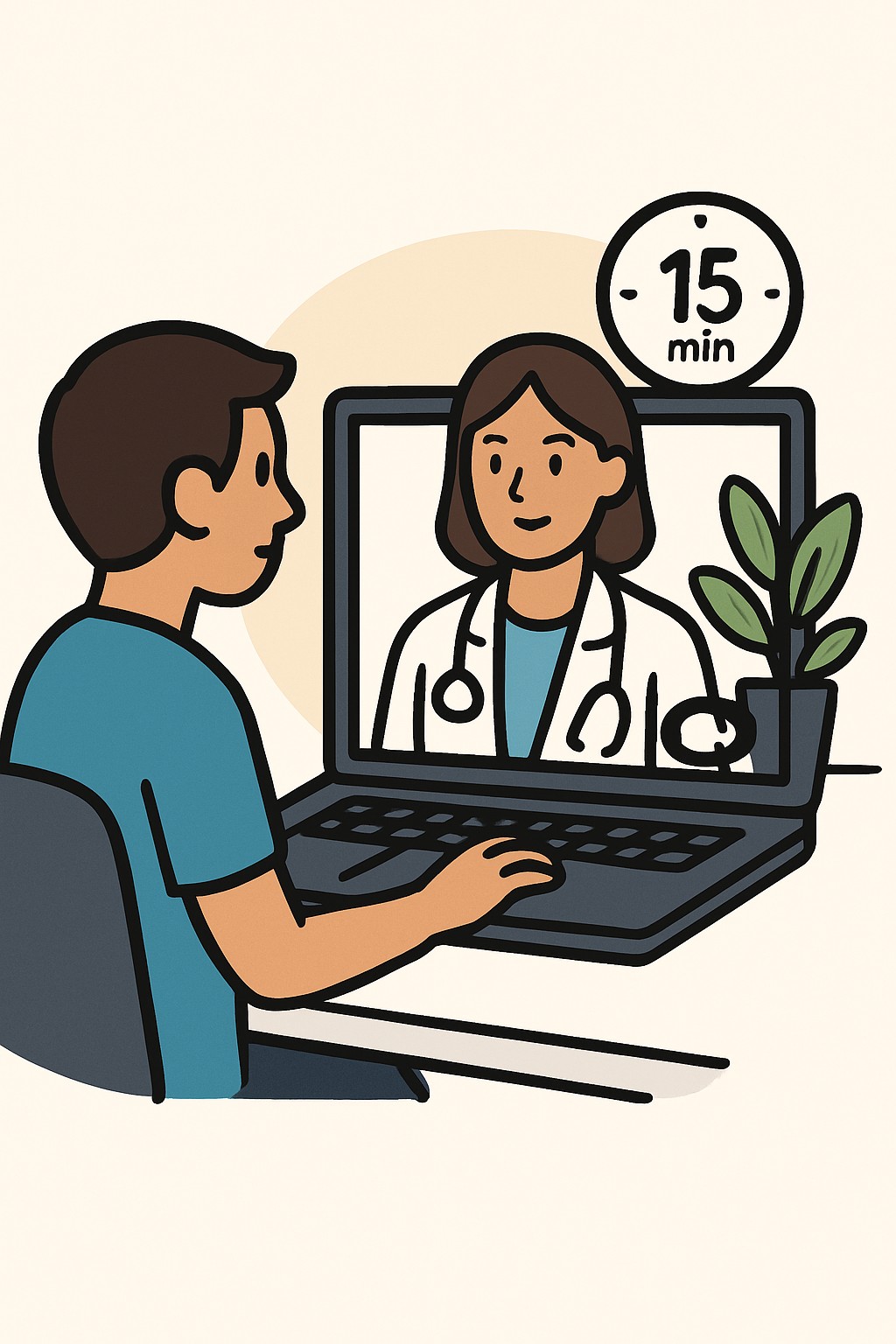
A 15 minute telehealth video visit is a scheduled appointment with a clinician by secure video.
Overview
A 15 minute telehealth video visit is a scheduled appointment with a clinician by secure video. You talk about your concerns, review your history and medicines, and the clinician may do a limited visual exam. These short visits are often used for follow-ups, minor new issues, medication checks, counseling, and reviewing test results. If more evaluation is needed, the clinician may arrange an in-person visit or testing.
Also known as: Virtual visit, Video visit, Telemedicine visit, Online doctor visit
Preparation & Next Steps
Everything you need to know before and after your procedure
Before Care
- Verify your device meets the clinic's video platform requirements and is updated
- Test your camera, microphone, and speakers or headphones before the visit
- Choose a quiet, private, well-lit space and position the camera at eye level
- Check your internet connection and have a backup plan such as phone audio
- Log in 10–15 minutes early to complete any forms or consent steps
- Have a photo ID, insurance card, and preferred pharmacy information ready
- Prepare a short list of top concerns, symptoms timeline, and goals for the visit
- Keep an up-to-date list of your medicines and supplements with doses
- Have recent home readings available if relevant, such as temperature or blood pressure
- Write down the clinic's contact number in case the video drops
After Care
- Review the visit summary in your portal and note agreed next steps
- Arrange any tests, imaging, referrals, or follow-up appointments that were discussed
- Fill any prescriptions as directed by the clinician
- Use secure messaging or the clinic phone for questions or clarifications
- Track symptoms and side effects and bring notes to your next visit
- Update your personal medication list with any changes
- Confirm how and when you will receive test results
- Store screenshots or documents shared during the visit in a secure place
- Contact the clinic if technology issues prevented important parts of the visit
- Check your insurance benefits for telehealth and any ordered services
Clinical Information
Important medical details about this procedure
Indications
- Follow-up for stable chronic conditions
- Minor new symptoms that do not require a hands-on exam
- Medication review or refills when appropriate
- Reviewing lab or imaging results
- Behavioral health check-ins and counseling
- Care coordination and education
Alternatives
- Telephone visit when video is not available
- Secure patient portal messaging for simple questions
- In-person office visit
- Urgent care clinic for minor but time-sensitive issues
Risks
- Limited physical exam can miss some findings
- Technical problems with video, audio, or connectivity
- Privacy concerns if done in a public or shared space
- Miscommunication due to time limits or technology barriers
- Possible need to convert to in-person care
Contraindications
- Severe or life-threatening symptoms that need emergency care
- Problems requiring a hands-on exam or procedure
- No access to a private space, required device, or reliable internet
Recovery Timeline
What to expect during your recovery
There is no medical recovery period after a telehealth video visit. Most people return to normal activities right away.
Typical Range
Same day
Return to Work
Same day
Recovery Milestones
Resume normal daily activities
Complete any forms, labs, or imaging that were arranged
Review results and confirm the follow-up plan via portal or phone
Frequently Asked Questions
Common questions and expert answers about this procedure
What happens during a 15 minute telehealth visit?
What happens during a 15 minute telehealth visit?
You and the clinician discuss your concerns, review history and medicines, and, if possible, do a limited visual exam. Plans for tests or follow-up may be made.
What technology do I need?
What technology do I need?
A smartphone, tablet, or computer with a camera, microphone, and reliable internet. You may need to install or allow the clinic's video platform.
Is a telehealth visit private and secure?
Is a telehealth visit private and secure?
Clinics use platforms designed to protect privacy. Choose a private space and use a secure network to reduce risk.
Can prescriptions be written from a video visit?
Can prescriptions be written from a video visit?
Many medicines can be prescribed after a telehealth evaluation. Rules for certain controlled substances vary by state and federal regulations.
Can this replace an in-person exam?
Can this replace an in-person exam?
It can handle many needs, but some issues require a hands-on exam, testing, or procedures. The clinician may recommend an in-person visit when needed.
What if the video fails?
What if the video fails?
Try reconnecting and check your connection. Many clinics switch to a phone call if allowed. Keep the clinic's number handy.
How long is the visit?
How long is the visit?
Fifteen minutes is an estimate of total clinician time on the date of the visit, including discussion, review, and documentation. Actual time can vary.
Will my insurance cover telehealth?
Will my insurance cover telehealth?
Coverage depends on your plan, state rules, and the type of service. Check your benefits or ask the clinic about expected charges.
References
Medical literature and sources